



If I’m not testing HR software, I’m missing better efficiency. The right tools can make a huge difference in managing payroll, recruitment, and employee engagement.
But not every tool works the same for every team. What fits my small business might overwhelm a large enterprise.
That’s why I started exploring and comparing different HR platforms.
In this blog, I’ll share the top HR tools I’ve tested, their key features, pros and cons, and which ones work best for different teams.
The Best HR Management Tools by Category
- Core HR / HR Management Software – BambooHR, HiBob
- HR & Payroll Software – Keka, Gusto, Paycor
- Top-rated HR Recruitment Software Options – Workable, Zoho Recruit
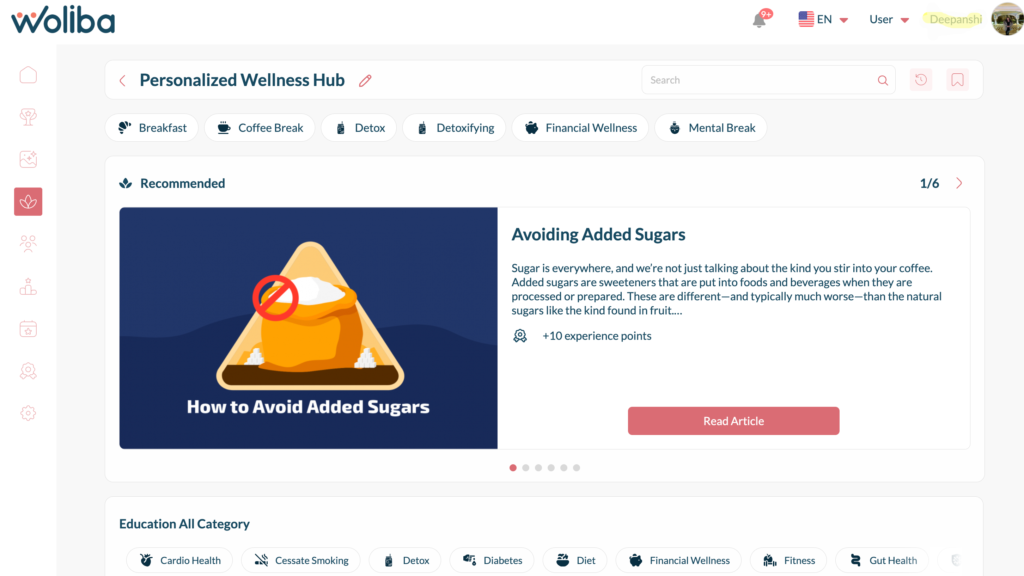
- Employee Engagement & Well-Being – Woliba, 15Five Engagement, Lattice
- HR Onboarding Tools – Enboarder, BambooHR
- HR Analytics Tools – Tableau, Visier
- Best AI Tools for HR – HROne, AIHR
- HR Document Management Software – HRLocker, DocuWare
- HR Compliance Software Companies – ADP, Workday, Keka
- Time, Attendance & Leave Software – Deputy, When I Work
- Performance Management Tools – Lattice, 15Five
- Learning& Development (LMS) – Cornerstone OnDemand, Absorb LMS
- Compensation & Benefits Software – Workday, SAP Success Factors Compensation
What are HR Software?
HR software is a system designed to manage human resources tasks efficiently. It handles functions like payroll, recruitment, onboarding, performance management, employee engagement, and compliance.
The goal is to streamline HR processes, reduce manual work, improve employee experience, and support business goals.
With HR software, organizations can manage employee data, track performance, automate workflows, and make better data-driven decisions.
Comparison of Best HR Software Solutions
It is impossible to test every HR solution on the market. Instead, the focus is on tools that deliver real value across different HR categories.
The table below shows a curated selection of the best HR software based on usability, features, pricing, and user feedback from G2.
These tools make HR easier, but no system is perfect. Always evaluate each tool based on your team’s specific needs.
| Tools | Best For | HR Software Pricing | My Testing Note | G2 Rating |
| Bamboo HR | Core HR, onboarding & performance for SMBs | ~$10–$14 per employee/month | Easy to use HRIS with solid workflows & reporting | ⭐️ 4.4 |
| HiBob | Modern HRMS with people analytics | ~$16–$25 per user/month (base plan) | Excellent for structured HR skill development | ⭐️ 4.7 |
| Woliba | Employee engagement & wellbeing | Custom | Engaging wellbeing features and culture building | ⭐️ 4.5 |
| Keka | HR + Payroll + Leave & attendance (strong in India) | ~₹99 per employee/month | Robust payroll & compliance for Indian businesses | ⭐️ 4.4 |
| Gusto | Payroll + HR essentials for SMBs | $49/month + $6 per employee/month | Strong payroll, taxes, onboarding; very user friendly | ⭐️ 4.6 |
| Paycor | HR & payroll for mid‑sized orgs | ~$99/month + ~$5/employee/month | Solid payroll with good reporting and HR tools | ⭐️ 4.2 |
| Zoho Recruit | ATS & candidate management | Free plan; paid from ~$25 per recruiter/month | Affordable and easy to use for smaller recruiting teams | ⭐️ 4.3 |
| Workable | Recruitment & applicant tracking | ~$149 per month | Good sourcing and hiring workflows | ⭐️ 4.5 |
| Lattice | Performance management & engagement | Custom | Balanced performance reviews and goals | ⭐️ 4.5 |
| Enboarder | Employee onboarding & experience workflows | Custom | Personalized and workflow‑driven onboarding | ⭐️ 4.4 |
| AIHR | HR learning & certification courses | ~$200+ per course (varies) | HR learning & certification courses | ⭐️ 4.7 |
| Tableau | HR analytics & workforce insights | $70 per user/month | Powerful data visualization for HR & business metrics | ⭐️ 4.5 |
| HRLocker | HR document mgmt & employee records | Custom | Simple document hub with basic HR features | ⭐️ 4.4 |
| When I Work | Time tracking & schedules | $2.50 per user/month (Essentials | Simple & effective | ⭐️ 4.4 |
| Absorb LMS | Learning & Development LMS | ~$500/month for small teams estimate | Strong feature set for course delivery and training | ⭐️ 4.4 |
| SAP | Enterprise HR suite (HRIS + analytics) | Custom (enterprise pricing) | Deep enterprise features but complex setup | ⭐️ 4.2 |
Best 17 HR Tools or Software
Disclaimer: The pros and cons listed are based on reviews and feedback from third-party sites such as G2, TrustRadius, and other sources.
BambooHR
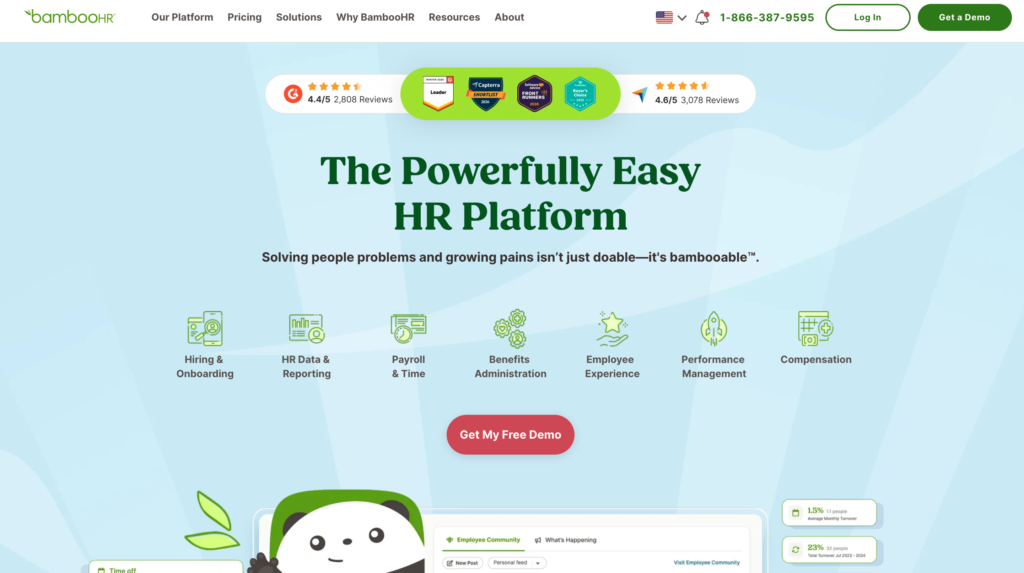
BambooHR is a cloud-based HR software designed for small and medium-sized businesses. It centralizes key HR tasks such as storing employee records, onboarding, PTO tracking, and performance management. BambooHR is known for its clean interface, easy setup, and tools that reduce manual HR work while keeping employee data organized. Built-in reporting helps HR teams track important metrics without spreadsheets or separate tools.
Products / Modules:
- Core HR – Central employee records and dashboards
- Onboarding & Offboarding – Task lists and paperwork automation
- Time Off Management – PTO tracking and approvals
- Performance Management – Reviews, goals, and continuous feedback
- Reporting – HR metrics and custom dashboards
- Employee Self-Service – Portal for employees to access info and forms
Pricing Start: ~$10–$14 per employee per month
G2 Rating: ⭐️ 4.4/5
Pros & Cons:
| Pros | Cons |
| Easy to use with a clean interface | Pricing not fully transparent without demo |
| Strong onboarding and employee record features | Limited depth for large enterprises |
| Good performance review and goal tracking | Some advanced HR features require add-ons |
| Centralized HR data for efficient workflows | Reporting can be basic for complex analytics |
| Helpful employee self-service portal | Not ideal for heavy compliance requirements |
A customer experience as per G2 reviews:
It’s clean, easy to use interface as well as prompt reminders for requests. The performance review function is also intuitive and simple, allowing for feedback to be easily captured instead of having multiple options and ranking which often do not capture the essence of feedback. – Huey Y. Yoong
2. Keka
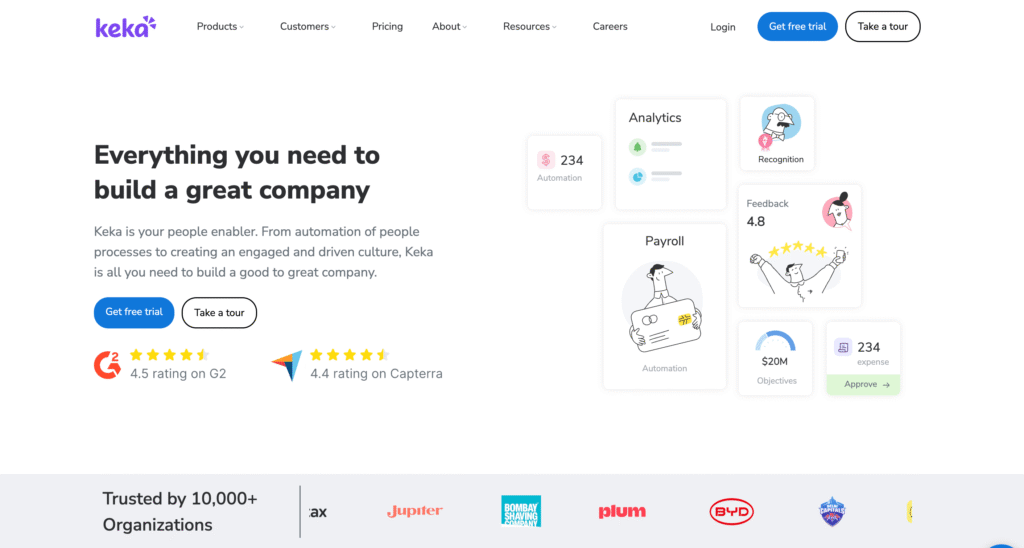
Keka is a cloud-based HR and payroll software popular in India and other regions. It combines HR, payroll, attendance, and performance management in a single platform. Keka is known for simplifying payroll compliance and automating routine HR tasks, making it easier for HR teams to focus on employee engagement and strategic work. Its clean interface and intuitive workflows are appreciated by small and mid-sized companies.
Products:
- HR & Payroll – Core payroll and compliance management
- Attendance & Leave – PTO, leave requests, and approvals
- Performance Management – Appraisals, goals, and feedback
- Onboarding & Offboarding – Task lists, forms, and automation
- Reporting – Pre-built and custom HR reports
- Employee Self-Service – Access to personal data, forms, and leave requests
Pros & Cons:
| Pros | Cons |
| Comprehensive payroll and HR features | Mobile app could be improved |
| Reduces manual HR and payroll tasks | Advanced configurations can be complex |
| Easy-to-use interface and workflows | Customer support varies by region |
| Strong leave and attendance management | Reporting can be basic for large enterprises |
| Integrates HR, payroll, and performance in one platform | Limited global HR features outside India |
Pricing Start: ~₹99 per employee/month
G2 Rating: ~4.4/5
A customer experience as per G2 reviews:
I’ve been using Keka at our company for about 1.5 years, and it’s been quite easy to understand and use. It covers all the key aspects of HR in a simple, accessible way, which makes day-to-day tasks straightforward. I’ve also noticed that the team is consistently working to improve the product, and those updates come through in our experience over time. – Ameena Noor Annessa Hassan K.
3. Woliba
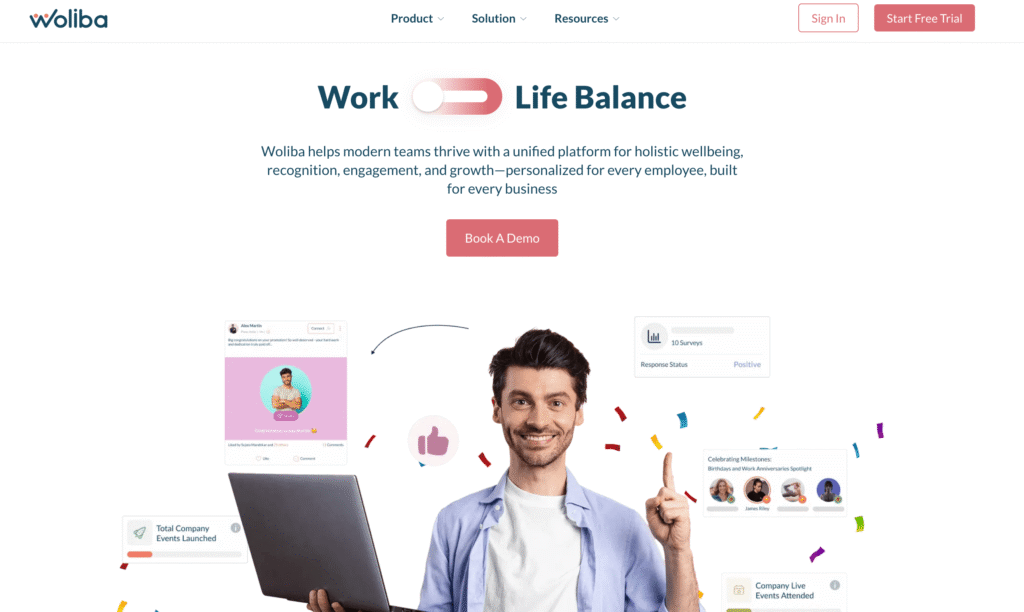
Woliba is an employee engagement and wellbeing platform designed to help organizations improve workplace culture and support employee wellness program. It brings together wellness activities, recognition programs, communication campaigns, and engagement analytics in a single platform. Woliba focuses on boosting morale, strengthening team connection, and promoting overall wellbeing in the workplace.
Products:
- Wellbeing Programs – Physical, mental, and social engagement campaigns
- Recognition & Rewards – Peer‑to‑peer recognition and reward points
- Engagement Insights – Analytics dashboards and trend reports
- Communication Hub – Internal messaging and announcements
- Gamification – Challenges and activity tracking to boost participation
Pros & Cons:
| Pros | Cons |
| Strong focus on employee wellbeing | Pricing not publicly listed |
| Encourages team engagement and morale | Not a full HRIS or payroll system |
| Good analytics for engagement trends | |
| Best in Support – Woli Assistant, Woli Manager | |
| Integrates with HR tools for data sync |
Pricing Start: Custom
G2 Rating: ~4.5/5
A customer experience as per G2 reviews:
Woliba encourages healthy habits through friendly competition while helping employees stay accountable to personal goals. It brings teams together across locations by increasing awareness of daily activity and motivating everyone to improve their wellbeing. – Stuart Tainsky
4. HiBob
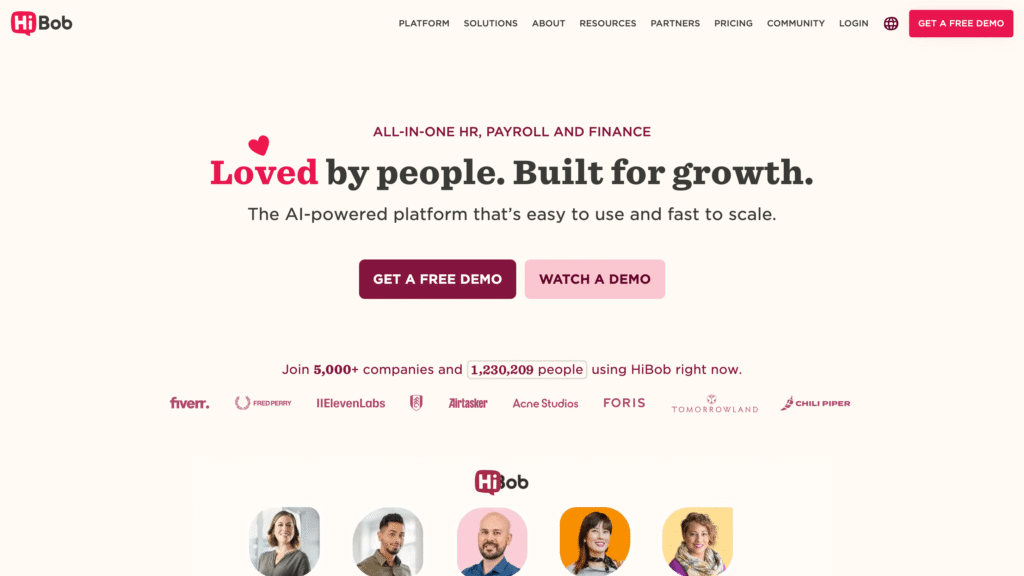
HiBob is a modern HR management platform built for growing companies. It combines core HR functions with performance, time tracking, and people analytics. The platform is designed to help teams manage employee data, boost collaboration, and gain insight into workforce trends with visually intuitive dashboards. HiBob is especially popular with fast‑moving companies that need flexibility without overly complex systems.
Products:
- Core HR – Central employee records and HR dashboard
- Performance Management – Reviews, goals, and feedback cycles
- Time & Attendance – Time tracking, schedules, and leave
- People Analytics – Dashboards for HR metrics and insights
- Engagement Tools – Internal newsfeed and recognition features
Pros & Cons:
| Pros | Cons |
| Modern, intuitive UI | Pricing requires sales contact |
| Strong analytics and dashboards | Can be expensive for small teams |
| Flexible workflows | Some features are add‑ons |
| Good performance and engagement tools | Limited payroll built‑in |
| Strong mobile experience | Best for mid‑market, not basic HR needs |
Pricing Start: Estimated ~$16–$25 per user/month (varies by plan and region; requires sales contact)
G2 Rating: ⭐️ 4.5/5
A customer experience as per G2 reviews:
There are many things I like about HiBob HRIS. The custom fields and categories are all reportable, and it’s great having all employee data in one place, from hire to retire. I also appreciate the constant investment in enhancing the platform, as well as the engagement and support from the HiBob teams. – Mel Kramer
5. HRLocker
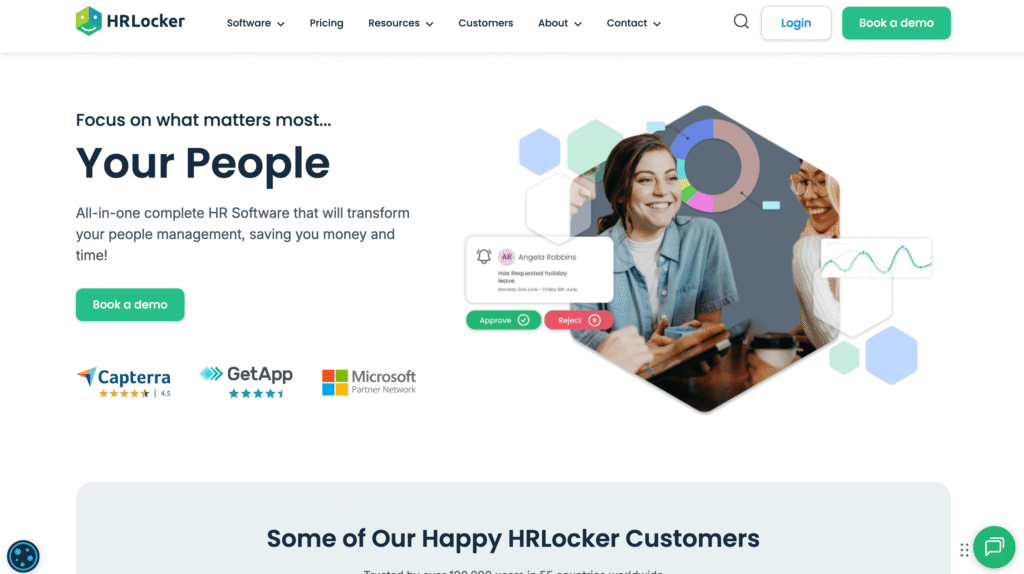
HRLocker is a simple HR software platform focused on employee records, document management, and basic HR tasks. It helps small and medium‑sized teams store documents, keep track of employee information, and manage core HR workflows in one place. HRLocker is designed to reduce paperwork and centralize HR files, making it easier to access important records when needed.
Products:
- Employee Records – Secure storage of personal and HR documents
- Document Management – Upload, organize, and track files
- Leave Management – PTO, absence requests, and approvals
- Task & Reminder System – Alerts for HR tasks and deadlines
- Employee Self‑Service – Portal for employees to view documents and request time off
Pros and Cons:
| Pros | Cons |
| Modern, intuitive UI | Pricing requires sales contact |
| Strong analytics and dashboards | Can be expensive for small teams |
| Flexible workflows | Some features are add‑ons |
| Good performance and engagement tools | Limited payroll built‑in |
| Strong mobile experience | Best for mid‑market, not basic HR needs |
Pricing Start: Custom pricing (requires contacting HRLocker sales for exact plans)
G2 Rating: ⭐️ ~4.4/5
A customer experience as per G2 reviews:
I find HRLocker very helpful for my small nonprofit in Ireland, especially with uploading policy documents and staff handbooks. It’s also great for managing annual leave and quickly producing reports for audits. I think it’s good how you can personalize the profiles, making them as complex or simple as needed, depending on our needs. The interface is very user-friendly, and it’s easy to onboard new staff. – Garry M.
6. Gusto
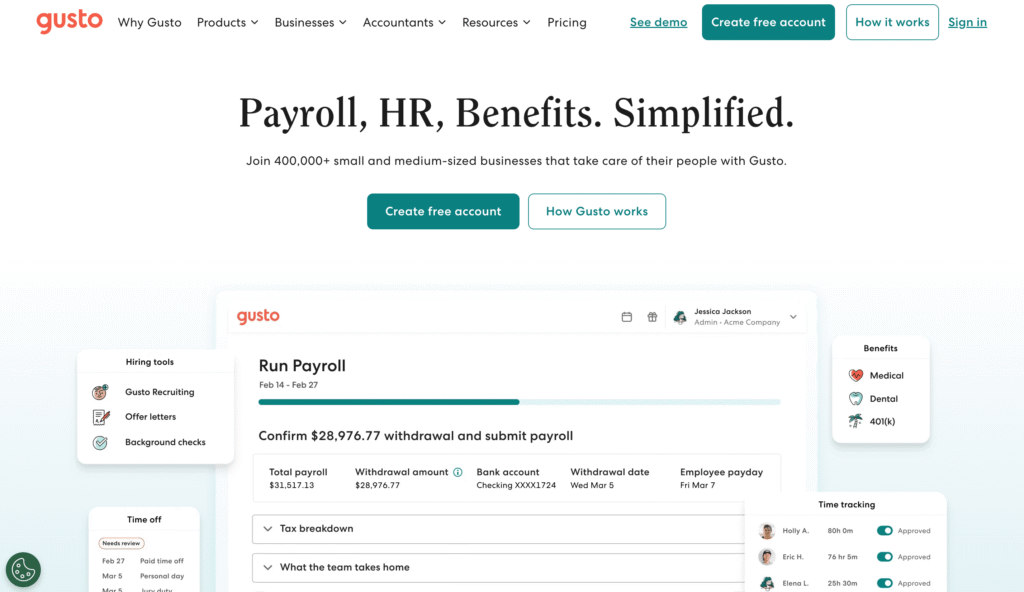
Gusto is a cloud‑based HR, payroll, and benefits platform designed for small and growing businesses. It automates payroll processing, tax filings, benefits management, and basic HR tasks. Gusto’s focus is on making payroll simple and compliant while giving teams easy tools for onboarding and employee management. Many users appreciate how Gusto handles complex payroll laws and filings without manual work.
Pricing Start: Starts at $49/month + $6 per employee/month
G2 Rating: ⭐️ ~4.6/5
Products:
- Payroll – Automated pay runs and tax management
- Benefits – Health plans, retirement plans, workers’ comp
- HR Tools – Onboarding, document storage, checklists
- Time & Attendance – PTO tracking and time entry
- Employee Portal – Access to pay stubs and documents
Pros & Cons:
| Pros | Cons |
|---|---|
| Easy payroll setup and automation | Not ideal for large enterprises |
| Good for small business HR tasks | Some advanced HR features limited |
| Transparent pricing for core plan | Add‑ons increase overall cost |
| Strong compliance and tax filing help | Not as deep as full HRMS |
| Helpful employee self‑service | Reporting could be more advanced |
Customer Experience (as per G2 reviews):
I like that Gusto offers options for a lot of things, including remote clock in for my employees, which is really helpful for my goal of growing the business to have multiple crews. The ability to track time and choose different tiers and add-ons helps me pay for what matters to my company size. . – Maggie Atkins
7. Absorb LMS
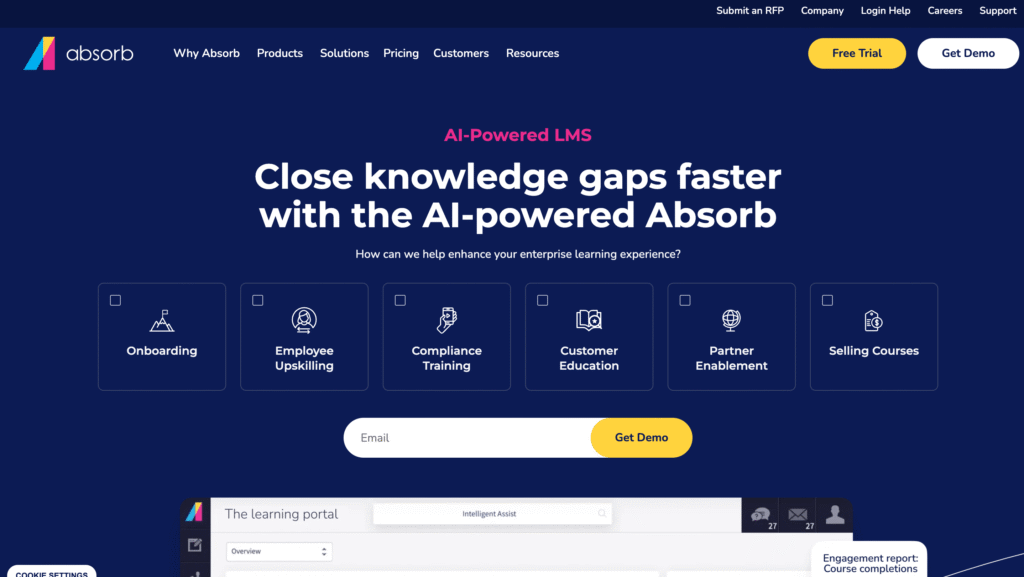
Absorb LMS is a learning management system focused on employee training and development. It helps organizations deliver, track, and manage learning programs across teams. The platform supports a wide variety of content types and lets HR and L&D teams build training paths, assign courses, monitor progress, and measure skills growth. Absorb LMS is used by businesses of all sizes that want a flexible and scalable way to run training initiatives.
Pricing Start: Typically starts around ~$500/month for small teams
G2 Rating: ⭐️ ~4.4/5 estimated from user reviews
Products:
- Course Management – Upload and organize learning content
- Learner Experience – Engaging interfaces and mobile access
- Progress Tracking – Dashboards and completion metrics
- Assessments – Tests, quizzes, and certification tracking
- Reporting & Analytics – Learning outcomes and engagement data
Pros & Cons:
| Pros | Cons |
|---|---|
| Flexible course creation and organization | Pricing not fully listed publicly |
| Strong reporting and analytics tools | Requires setup time for complex LMS deployments |
| Good mobile learning experience | Not a full HRMS or payroll platform |
| Scales from small teams to large enterprise | Some advanced features cost extra |
| Supports compliance and certifications | May need training to use fully |
Customer Experience (as per G2 reviews):
The feature I like most is the dashboard. I also appreciate being able to create and add training courses for my team. I enjoy working with my representative on the system, as she has been very helpful. – Landon Hoellein
8. When I Work
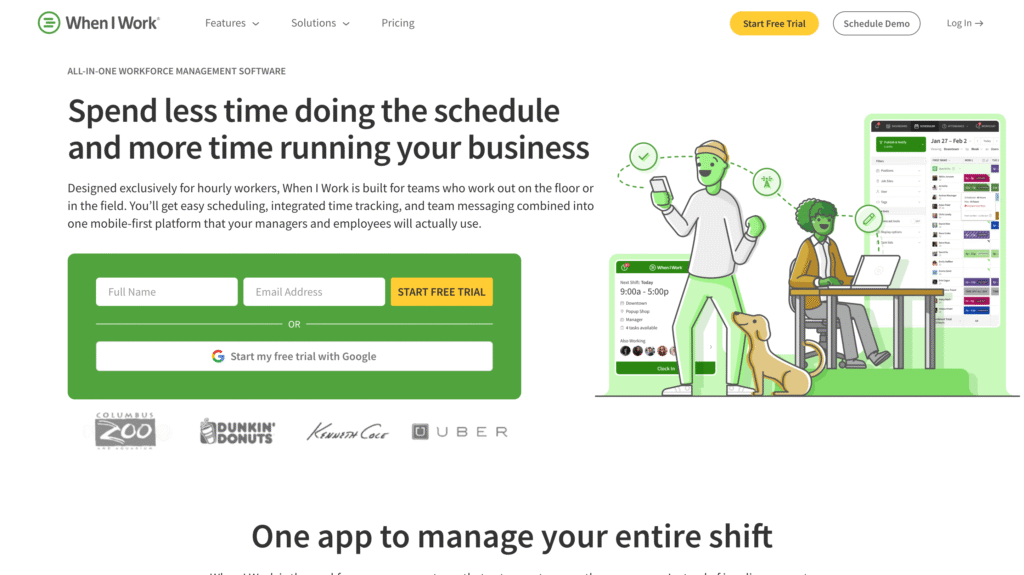
When I Work is a scheduling and time‑tracking tool built for hourly and shift‑based teams. It makes creating staff schedules faster, manages shift swaps, tracks clock‑ins and clock‑outs, and helps simplify communication between employees and managers. When I Work focuses on everyday workforce coordination, making it ideal for retail, hospitality, healthcare, and small businesses with variable schedules.
Pricing Start: Starts at $2.50 per user/month (Essentials plan)
G2 Rating: ⭐️ 4.4/5
Products:
- Shift Scheduling – Create and publish employee shifts
- Time Tracking – Clock‑in/out with mobile or desktop
- Team Messaging – Communicate schedule changes or alerts
- PTO & Absence Management – Request and review time off
- Reports – Hours worked, labor distribution, overtime
Pros & Cons:
| Pros | Cons |
|---|---|
| Affordable pricing for small teams | Not a full HR system |
| Very easy to build and edit schedules | Limited advanced analytics |
| Great mobile experience | Lacks deep payroll functionality |
| Real‑time shift notifications | Not ideal for salaried staff |
| Helpful clock‑in/out tracking | Best for hourly teams only |
Customer Experience (as per G2 reviews):
I really like how ‘When I Work’ integrates pretty seamlessly with our payroll program, making the import of hours very simple. Their customer service is always really helpful and quick to respond when we have issues. We used to manually rekey all the hours, which took hours to complete everyone’s timesheets, but now it takes maybe an hour for all our four companies. – Bree N.
9. Tableau
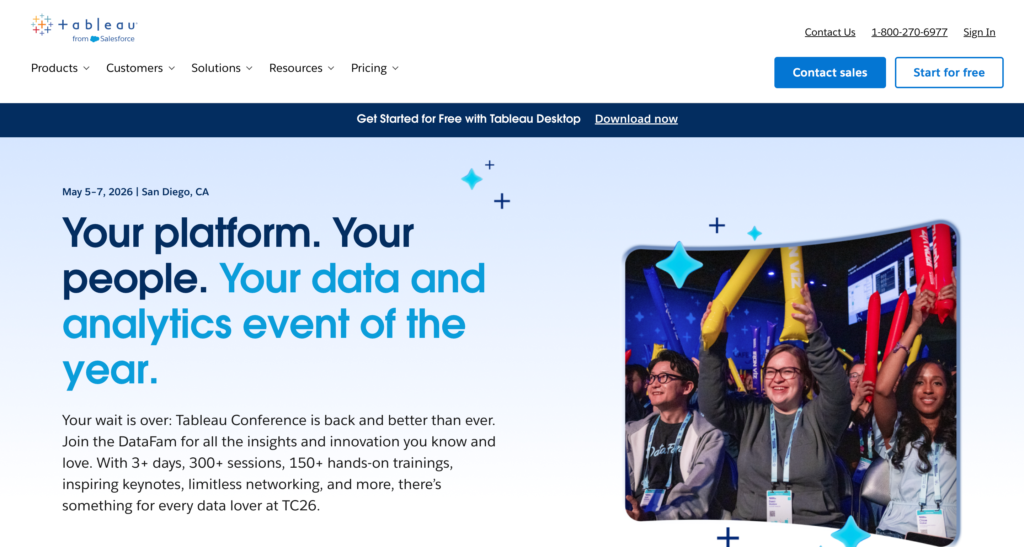
Tableau is a powerful data visualization and analytics platform used to turn raw data into interactive charts, dashboards, and reports. It helps HR teams make sense of workforce data like headcount trends, turnover rates, performance insights, and diversity metrics. Instead of manually building graphs in spreadsheets, Tableau lets users explore data visually and uncover patterns quickly.
Pricing Start: Starts at $70 per user/month for Tableau Creator license
G2 Rating: ⭐️ ~4.5/5 (estimated from public G2 ratings for analytics tools)
Products:
- Tableau Creator – Full analytics and authoring tools
- Tableau Explorer – Dashboards and insights for business users
- Tableau Viewer – View and interact with dashboards
- Tableau Prep – Data preparation and cleaning tools
Pros & Cons:
| Pros | Cons |
|---|---|
| Extremely strong data visualization | Requires training to master |
| Connects to almost any data source | Not a full HR system |
| Real‑time analytics and exploration | Can be costly for large teams |
| Great for executive dashboards | Setup can be complex |
| Mobile and interactive reports | Not designed for core HR functions |
Customer Experience (as per G2 reviews):
Tableau offers ease of implementation with quick setup, strong customer support, and frequent use across teams. Its drag-and-drop interface and “Show Me” tool simplify visualization, while seamless data connections and a supportive community help users create professional dashboards efficiently. – Mohsan A.
10. Enboarder
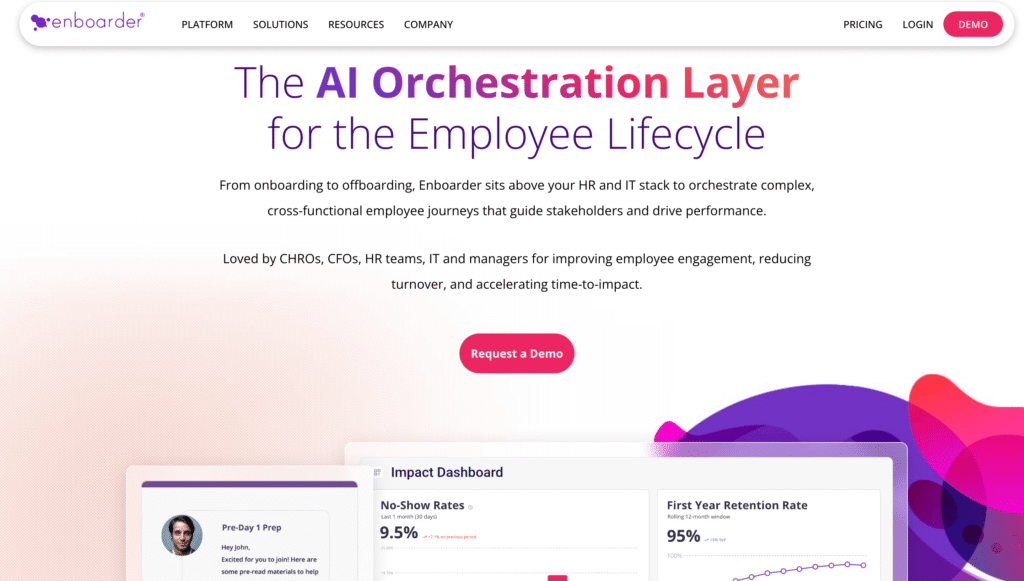
Enboarder is an employee onboarding and experience platform built to create human‑centric, automated onboarding journeys. Rather than simple task checklists, Enboarder focuses on engagement and relationships by delivering time‑based communications, tasks, and experiences to new hires and existing teams. It helps teams onboard employees smoothly, reduce early turnover, and accelerate productivity by connecting people, processes, and culture from day one.
Pricing Start: Custom pricing (requires contacting Enboarder for a quote)
G2 Rating: ⭐️ ~4.4/5 estimated based on public review data
Products:
- New Hire Journeys – Personalized onboarding flows
- Manager Enablement – Guidance and alerts for managers
- Check‑Ins & Feedback – Structured touchpoints for engagement
- Analytics & Reporting – Onboarding performance insights
- Workflow Templates – Ready‑to‑use onboarding sequences
Pros & Cons:
| Pros | Cons |
|---|---|
| Strong focus on engagement and experience | Pricing details are not publicly listed |
| Automates onboarding communications | Not a full HRMS or payroll system |
| Good analytics for onboarding success | Implementation may take planning |
| Personalized journeys help retention | Best paired with core HR tools |
| Integrates with HRIS and ATS systems | Some users find learning curve moderate |
Customer Experience (as per G2 reviews):
I really enjoyed the ability to create surveys and communication templates, while having great user support throughout the entire use of the platform. – Charlene Ellison
11. Lattice
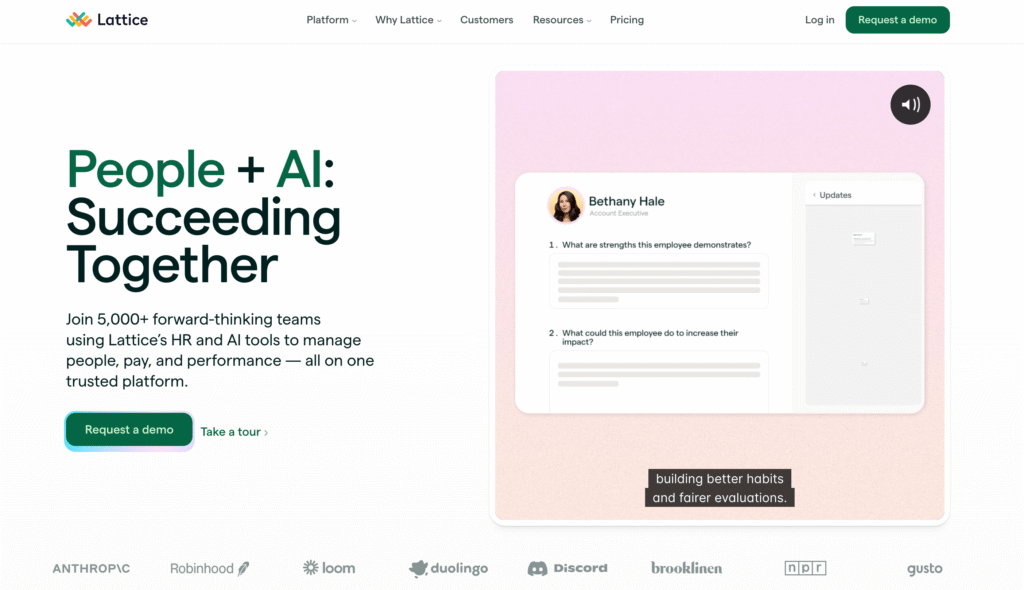
Lattice is a performance management and employee engagement platform built to help teams grow through continuous feedback, structured reviews, and clear goal tracking. The tool enables HR teams and managers to align individual performance with company objectives, create development plans, and gather real‑time insights about workforce engagement. Lattice is popular with fast‑growing teams and mid‑sized companies looking to build a performance‑driven culture.
Pricing Start: Custom pricing (contact sales for exact plan — usually mid‑market pricing per user per month)
G2 Rating: ⭐️ ~4.5/5 based on public G2 ratings
Products:
- Performance Reviews – Structured review cycles and templates
- Goals & OKRs – Company, team, and individual goal tracking
- Continuous Feedback – Real‑time praise and coaching
- Engagement Surveys – Pulse surveys and sentiment tracking
- Career & Development – Career paths and development plans
- Analytics & Reporting – Insights into performance and engagement
Pros & Cons:
| Pros | Cons |
|---|---|
| Strong performance management framework | Pricing not publicly listed |
| Excellent goal alignment and OKR tools | Requires setup and planning |
| Continuous feedback reinforces culture | May be complex for small teams |
| Engagement surveys provide insights | Some advanced analytics cost extra |
| Good integrations with other tools | Not a full HRMS or payroll system |
Customer Experience (as per G2 reviews):
I like Lattice for its customization and ease of use. It provides one place for our people ecosystem to support our talent strategy. The customization is great as it allows us to be consistent with our internal branding and programs. – Michael D.
12. Workable
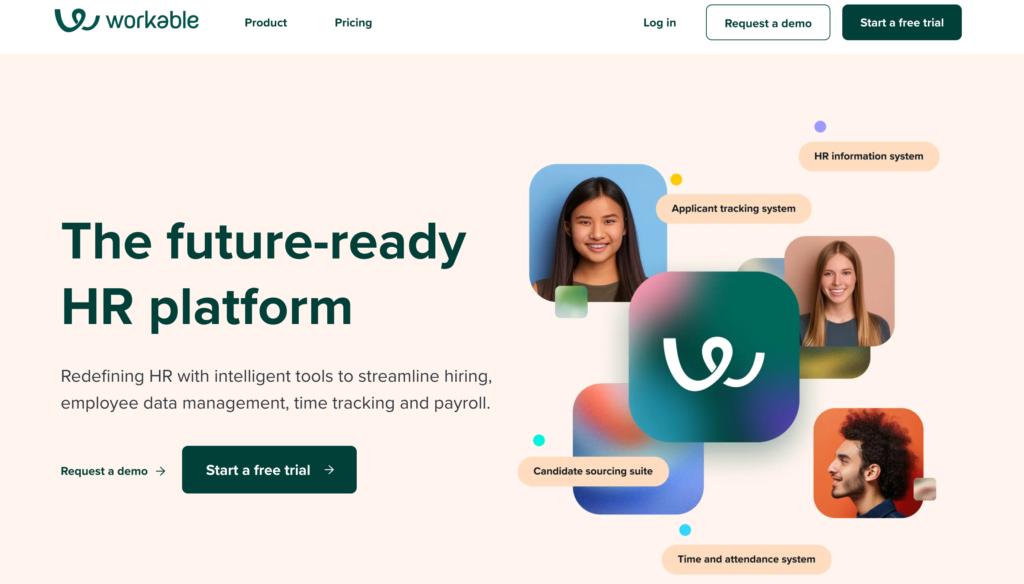
Workable is a recruitment and applicant tracking software designed to help teams find, evaluate, and hire candidates more effectively. It provides tools for posting jobs to multiple channels, sourcing candidates, screening resumes, scheduling interviews, and managing communication with applicants. Workable is widely used by HR teams and hiring managers who want a structured yet flexible way to run their hiring pipeline.
Pricing Start: Starts at ~$149 per month (basic plan; pricing may vary by region and features)
G2 Rating: ⭐️ ~4.5/5 (based on public G2 ratings for recruitment tools)
Products:
- Job Posting & Distribution – Publish positions to job boards
- Candidate Pipeline – Track applicants by stage
- Sourcing Tools – Search passive candidates and referrals
- Interview Tools – Scheduling and feedback collection
- Hiring Analytics – Metrics and conversion tracking
Pros & Cons:
| Pros | Cons |
|---|---|
| Easy to use recruiting platform | Higher starting price for small teams |
| Strong pipeline visibility | Some advanced sourcing costs extra |
| Good collaboration for teams | Not a full HRIS or payroll tool |
| Built‑in interview scheduling | Reporting can be basic |
| Integrations with HR systems | Candidate sourcing relies on add‑ons |
Customer Experience (as per G2 reviews):
It’s integration with so many of the hiring platforms makes it very easy to get a job posted widely across the hiring universe. The workflows and templates make it much quicker to move applicants through the customizable stages. The built-in asynchronous interview video questions/responses are great for remote hiring to get a feel for someone’s energy/tone/presence that words on a screen cannot. The zapier integration also is nice to kick off automations at every stage. – Lloyd
13. SAP SuccessFactors
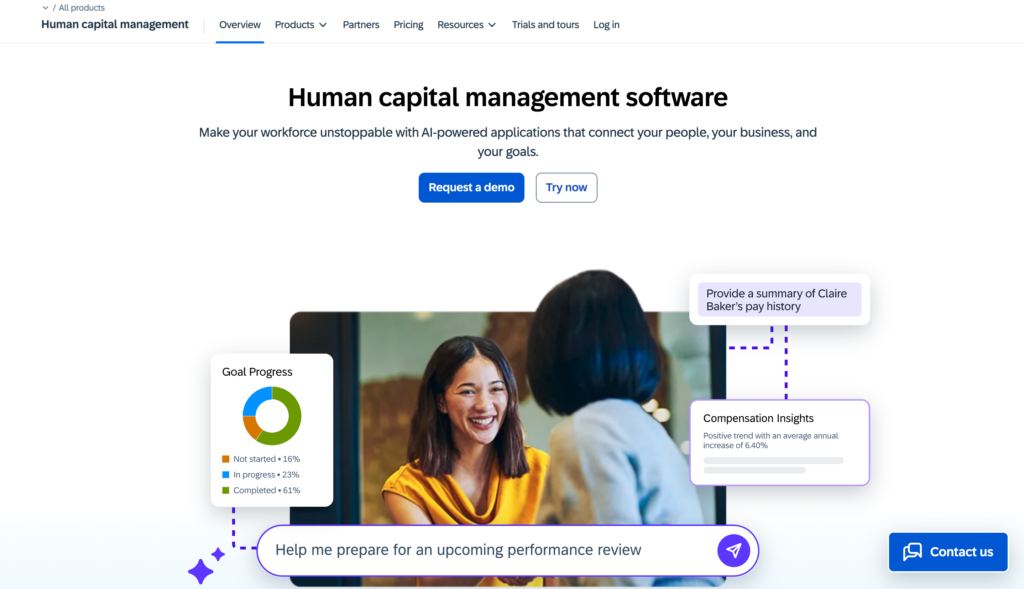
SAP SuccessFactors is a comprehensive enterprise‑grade Human Capital Management (HCM) suite. It is built to handle core HR, talent management, payroll (in some regions), workforce analytics, learning, and employee experience at scale. SuccessFactors is used by large organizations that need deep configurability, global compliance support, and advanced reporting. It helps HR teams manage the entire employee lifecycle, from hiring and onboarding to performance, development, and succession.
Pricing Start: Custom enterprise pricing (contact sales for exact quotes)
G2 Rating: ⭐️ ~4.2/5 based on public G2 ratings
Products:
- Employee Central – Core HR and personnel data
- Recruiting & Onboarding – ATS and candidate onboarding
- Performance & Goals – Reviews, objectives, and feedback
- Learning – Training programs and course management
- Compensation & Rewards – Salary planning and bonus structures
- Succession & Development – Talent pipelines and skills planning
- Workforce Analytics – Dashboards, reporting, and insights
Pros & Cons:
| Pros | Cons |
|---|---|
| Very comprehensive HCM suite | Pricing available only via sales |
| Strong global compliance capabilities | Complex implementation |
| Deep reporting and analytics | Not ideal for small teams |
| Scales well for large enterprises | Learning curve for new users |
| Rich ecosystem with SAP integrations | Modules often sold separately |
Customer Experience (as per G2 reviews):
SAP SuccessFactors HCM offers a comprehensive and scalable HR solution that brings all employee lifecycle processes into one unified platform. The user interface is intuitive, and modules like Employee Central, Performance & Goals, and Learning are well integrated. Real-time analytics and reporting help in making data-driven decisions- Suchit
14. Paycor
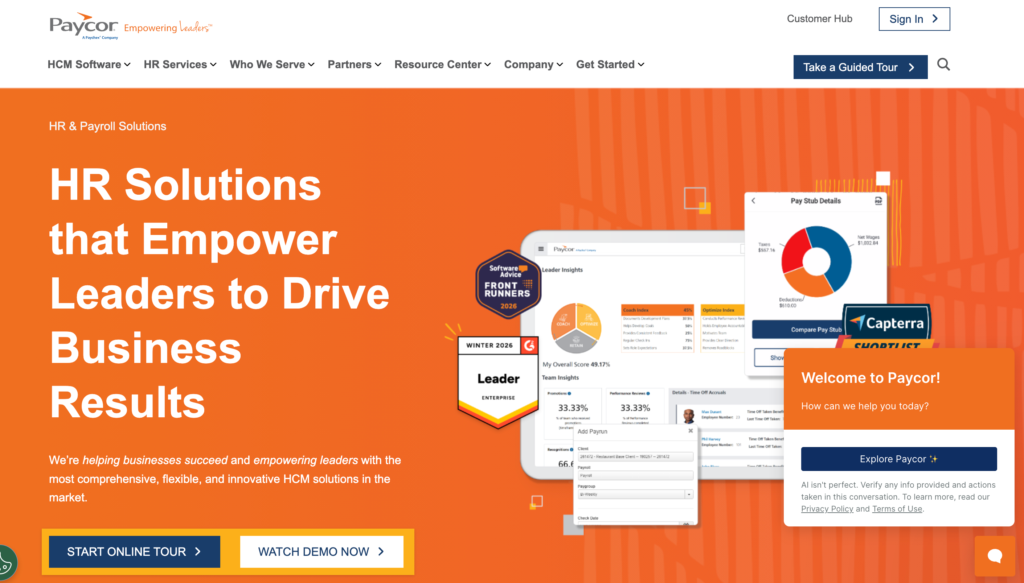
Paycor is a cloud-based HR and payroll platform built to support small and mid-sized businesses. It brings together payroll processing, HR management, time tracking, and talent tools in one platform. Paycor helps HR teams automate routine tasks, ensure compliance, and manage workforce data with greater accuracy. It’s designed to simplify complex HR processes and give HR leaders deeper visibility into their people operations.
Pricing Start: Starts around $99/month + ~$5 per employee/month (for basic plans; custom pricing for larger bundles)
G2 Rating: ⭐️ 4.2/5
Products:
- Payroll & Tax – Pay runs, filings, and compliance
- HR Management – Employee database and workflows
- Time & Attendance – Time clocks, scheduling, and hours tracking
- Talent Management – Recruiting, onboarding, performance reviews
- Reports & Analytics – Custom metrics and dashboards
Pros & Cons:
| Pros | Cons |
|---|---|
| Strong payroll foundation | Pricing requires a quote |
| Combines HR + payroll + time features | Some features are add-ons |
| Good reporting and dashboards | Not ideal for very large enterprises |
| Helps automate compliance tasks | User interface can be complex |
| Covers core HR needs | Customer support experience varies |
Customer Experience (as per G2 reviews):
Customer support. I definitely feel that Paycor has gone down in the quality of Customer Support. I’ve submitted many cases before, and it feels like it is hard to get a clear answer sometimes. – Mike G
15. Zoho People
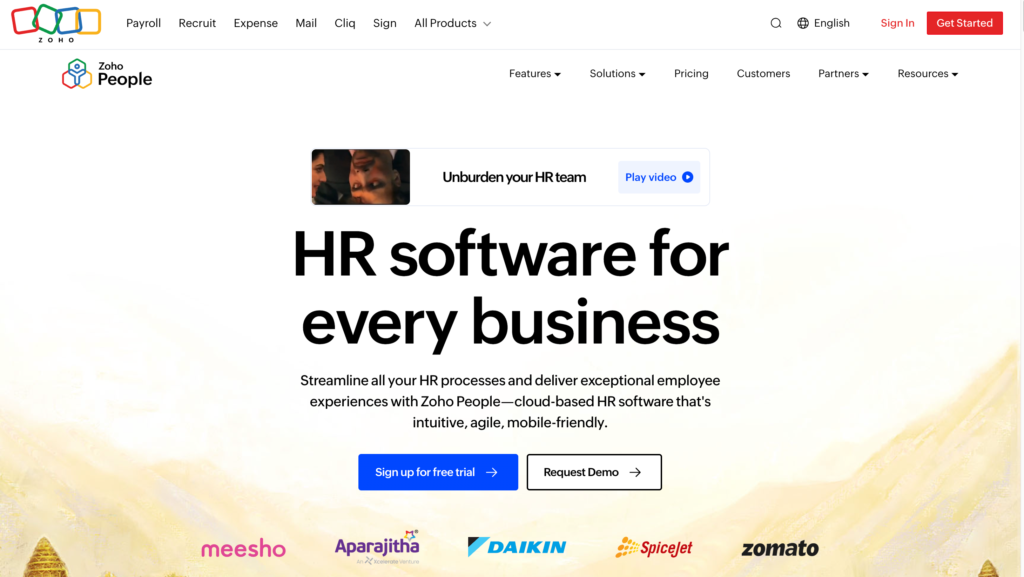
Zoho People is a cloud-based HR management platform designed for businesses of all sizes. It centralizes employee data and HR processes so teams can manage records, attendance, performance, and time off from one place. As part of the broader Zoho ecosystem, it integrates well with other Zoho apps like Zoho Recruit, Zoho Payroll, and Zoho CRM. Zoho People is known for its flexibility, ease of use, and value for money.
Pricing Start: Starts at ~$1.25 per employee/month (Standard plan; pricing varies by edition and country)
G2 Rating: ⭐️ ~4.4/5 (based on public G2 ratings)
Products / Modules:
- Core HR – Employee records and HR dashboards
- Time & Attendance – Clock-in/out, schedules, and hours tracking
- Leave Management – PTO, leave workflows, and calendars
- Performance Management – Appraisal cycles and feedback
- HR Workflow Automation – Approvals, alerts, and task automation
- Employee Self-Service – Portal for personal info and requests
Pros & Cons:
| Pros | Cons |
|---|---|
| Very affordable pricing | Some advanced features require higher plans |
| Flexible configuration | UI can feel dated to some users |
| Strong integration with Zoho suite | Reporting depth is moderate |
| Good for small to mid teams | Support quality varies by region |
| Easy leave and attendance tracking | Some features not as deep as enterprise tools |
Customer Experience (as per G2 reviews):
What I liked best about Zoho People was how simple and organised it seemed. The interface is clean, it’s simple to track attendance and leave, and most tasks can be completed with minimal training. It also works seamlessly with other Zoho tools, saving time and consolidating everything in one place. Overall, it seems practical and dependable for day-to-day HR tasks.- Uday
16. Rippling
Rippling is an all-in-one workforce management platform that unifies HR, IT, and payroll tasks in a single system. It allows businesses to manage employee records, run payroll, provision devices and apps, and automate workflows from hire to retire. Rippling stands out for its integration-first approach, syncing HR data with payroll, benefits, IT systems, and third-party tools automatically. This makes it a strong choice for companies looking to centralize HR and tech operations.
Pricing Start: Starts around ~$8 per user/month + base subscription (exact pricing requires contacting sales)
G2 Rating: ⭐️ ~4.5/5
Products:
- Core HR – Central employee data and documentation
- Payroll & Taxes – Pay runs, compliance, and reporting
- Benefits Administration – Health, 401(k), workers’ comp
- IT & Provisioning – Manage devices and app access
- Time & Attendance – Schedules, hours, PTO
- Automation – Workflows, triggers, and alerts
Pros & Cons:
| Pros | Cons |
|---|---|
| Comprehensive all-in-one platform | Pricing requires sales contact |
| Powerful integrations with HR & IT | Can be overwhelming for very small teams |
| Automates payroll and device provisioning | Some features need setup |
| Strong employee self-service portal | Add-ons increase cost |
| Good analytics and workflows | Not as deep for niche HR needs |
Customer Experience (as per G2 reviews):
I loved the employees self-service portal allows employees to make self changes to update their own bank account information or download tax forms without asking me for help every time. – Giau N.
17. AIHR
AIHR (Academy to Innovate HR) is an online learning platform focused on HR education and skills development. It offers structured courses, certifications, and masterclasses that help HR professionals build expertise in areas like HR analytics, digital HR, talent management, and people strategy. AIHR is not an HR software system, but a learning resource used by HR teams and individuals to strengthen their HR knowledge and practical skills.
Pricing Start: Course prices vary by program. Most individual courses and certifications start from ~$200+ per course (exact pricing depends on program and region)
G2 Rating: ⭐️ ~4.7/5
Products:
- HR Analytics Certificate – Learn data analysis and visualization
- Digital HR Certificate – HR technology and digital transformation
- Talent Acquisition & Recruitment Courses – Hiring best practices
- People Strategy & Performance – Performance frameworks and planning
- HR Business Partner Program – Strategic HR skills and competencies
Pros & Cons:
| Pros | Cons |
|---|---|
| High-quality, structured HR education | Not a traditional HR software tool |
| Strong community and networking | Pricing higher than some micro-learning platforms |
| Practical templates and real projects | Requires time commitment for courses |
| Recognized HR certifications | No payroll or HRIS functionality |
| Great for upskilling HR teams | Course quality varies by subject |
Customer Experience (as per G2 reviews):
The standout strength of AIHR for me is its combination of practical, future-focused HR learning with flexible, high-quality content that professionals can immediately apply in their work.- ASTRID V.
Why Do You Need HR Tools?
HR tools are essential for modern organizations to manage their workforce efficiently and effectively. As companies grow, manual HR processes like tracking employee data, managing payroll, or monitoring performance become time-consuming and error-prone. HR software automates these tasks, saving time, reducing mistakes, and freeing HR teams to focus on strategic initiatives.
Key reasons to use HR tools include:
- Centralized Employee Data: Keep all employee information, documents, and records in one secure place.
- Time and Attendance Management: Track work hours, PTO, and absences efficiently.
- Payroll & Compliance: Automate salary calculations, tax filings, and compliance requirements.
- Recruitment & Onboarding: Streamline hiring, applicant tracking, and new hire integration.
- Performance Management: Set goals, conduct reviews, and track employee growth.
- Employee Engagement & Wellbeing: Run surveys, recognition programs, and wellness initiatives.
- Analytics & Reporting: Gain insights into workforce trends, turnover, and productivity.
In short, HR tools help organizations save time, reduce errors, boost employee satisfaction, and make data-driven decisions that drive growth and efficiency.
Frequently Asked Question
What Are HR Tools?
HR tools are software solutions designed to help organizations manage and automate human resources tasks. They support the full employee lifecycle, from hiring and onboarding to payroll, performance management, compliance, and employee engagement.
Best HR Softwares for Small Business?
Small businesses should look for tools that are easy to use, affordable, and cover essential HR functions like payroll, hiring, time tracking, and employee management. Examples include BambooHR, Gusto, Woliba, Keka, and When I Work.
What is HR software for startups?
- BambooHR – Easy HR management
- Gusto – Payroll and benefits
- Woliba – Employee Wellness and Recognization
- When I Work – Scheduling for hourly teams
- Rippling – Unified HR + IT for growing teams
What are the most widely adopted enterprise HR Softwares?
The most widely adopted enterprise HR and Human Capital Management (HCM) platforms include Woliba, Workday, SAP SuccessFactors, and ADP.